
AI Tools for Real Estate Photography and Video
Pick the outcome, upload one photo, press RUN. These are the one-click tools behind PROMOREALTOR, grouped by the job they do. €1 a photo, no subscription.
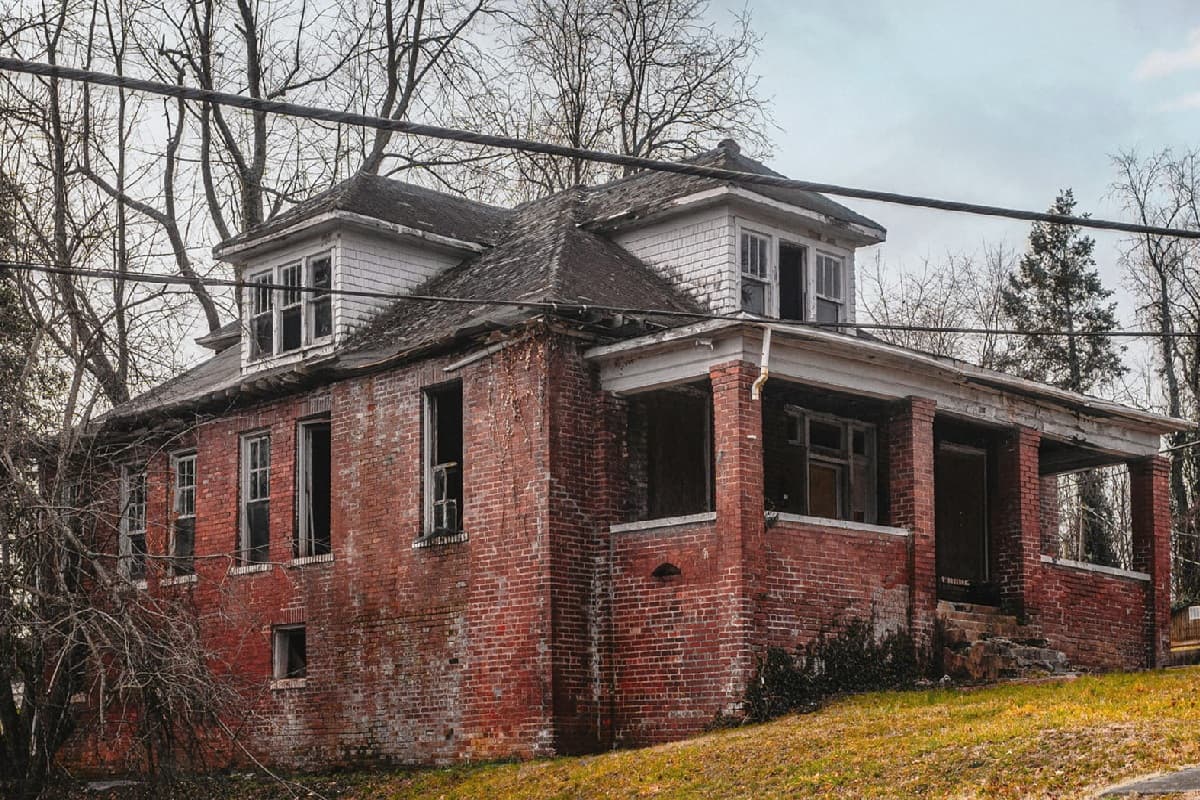 Before
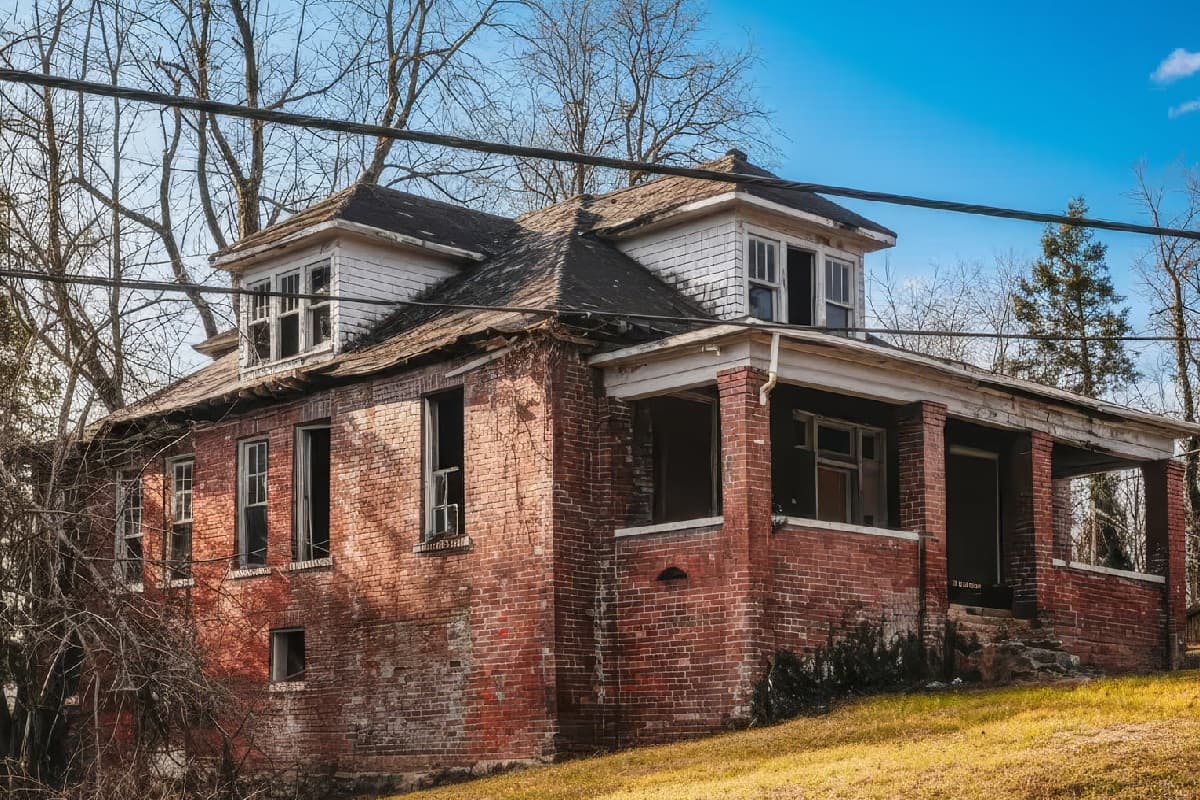 After
AfterExterior and lighting
Fix the sky, the light and the season on the outside of the house.
Restoration of Ruins
1 creditRebuild a ruin into a finished property, with local style options.
See how it worksRemove clutter, cars and furniture
Take things out of the frame. Add and remove live on separate pages because they are different jobs.
Virtual staging and interiors
Furnish empty rooms and restyle tired ones.
Virtual Staging
1 creditAdd tasteful furniture to an empty room, in the style you pick.
See how it worksInterior Style Transformation
1 creditRestyle furniture and decor in one of nine styles; walls, windows and layout stay.
See how it worksPlans, sketches and 3D
Show a property that is not built or not photographed yet.
Google Map to Photo, Add House on Plot, Cutaway Diagram
1 credit eachA Maps screenshot as a photo, a house dropped on a plot, a labelled cutaway.
See how it worksFix and enhance a photo
The technical clean-up that makes a phone photo publishable.
Enhance and Sharpen, HD Upscale, Rescale / Reframe
1 credit eachMore clarity and detail, 4x resolution for print, or a new aspect ratio.
See how it worksFlyers, ads and video
Turn finished photos into marketing.
PHOTO LISTING
FreeThe ad builder: 19 designs, carousel, series, print PDF. 20 free downloads every 30 days.
See how it worksListing Flyer, Photo to Ad, Photo to Story Poster
1 credit eachAI-composed flyers, ads and 9:16 posters from your photos and details.
See how it worksVIDEO LISTING
1 credit an exportYour own photos and clips cut into an MP4 reel, in the browser.
See how it worksVIDEO AI RUN
4 credits a clipGenerative clips: construction timelapse, seasons, sold, space zoom and more.
See how it worksNot sure where to start?
Most agents begin with the photo that is hurting the listing most. A grey sky, a messy room or an empty one each have a one-click answer above. Prices are on the pricing page, and every result comes with a before and after so you see what changed before you download it.
Frequently asked questions
How much does it cost?
One credit is €1 and one photo edit costs one credit. There is no subscription: buy a pack (10, 20, 50, 200 or 500 credits) or top up any amount from €1. VAT is added at checkout. See the pricing page for every tool.
Which files can I upload?
JPG, PNG or WEBP, up to 25 MB each. RAW files are not supported, so export to JPEG first. Results come back as full-resolution PNG.
Are my photos safe? Are they used to train AI?
You keep full ownership of every photo, original and edited. A photo goes only to the AI provider needed to make that one edit. It is never added to a public portfolio and never used to train AI models unless you separately opt in. You can ask for any image to be deleted at any time.
Keep going
Photo editing
Replace the sky, fix perspective, relight, declutter and enhance listing photos in about 30 seconds. €1 a photo, no subscription, no editor to learn.
Virtual staging
Furnish an empty room from a photo in about 30 seconds, or restyle an occupied one in nine styles. €1 a photo, no subscription.
Listing video
Turn listing photos and clips into an MP4 reel in your browser: landscape, 9:16 or square, with your branding. One credit per export.
Pricing
One credit is €1 and one photo edit is one credit. Packs from 10 to 500 credits, 10% off at 200 and 20% off at 500. No subscription.
Try a tool on one photo
Sign up, add a photo, press RUN. Your first result takes about 30 seconds.
Start free