
Floor Plan to 3D Render for Real Estate
Upload a 2D floor plan, press RUN, and get a furnished 3D isometric render in about 30 seconds. One credit (€1), no subscription.
1 credit (€1) a render. No subscription.
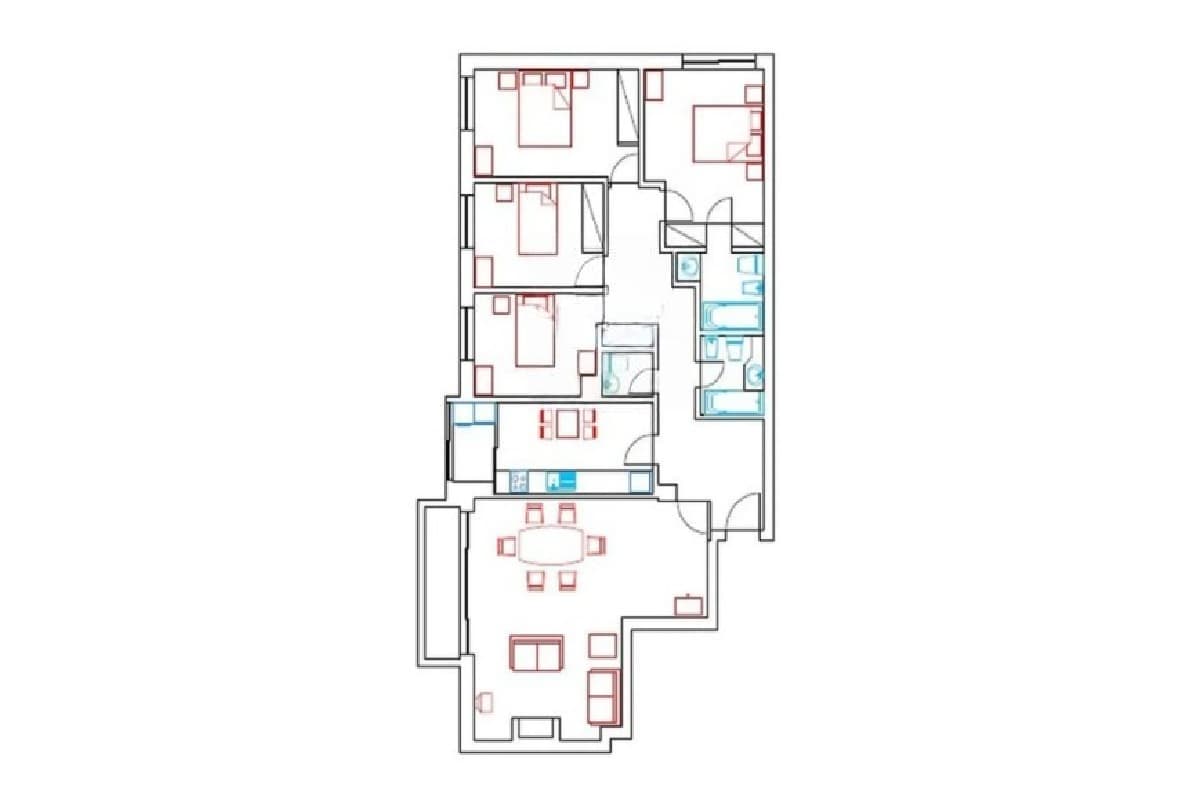 Before
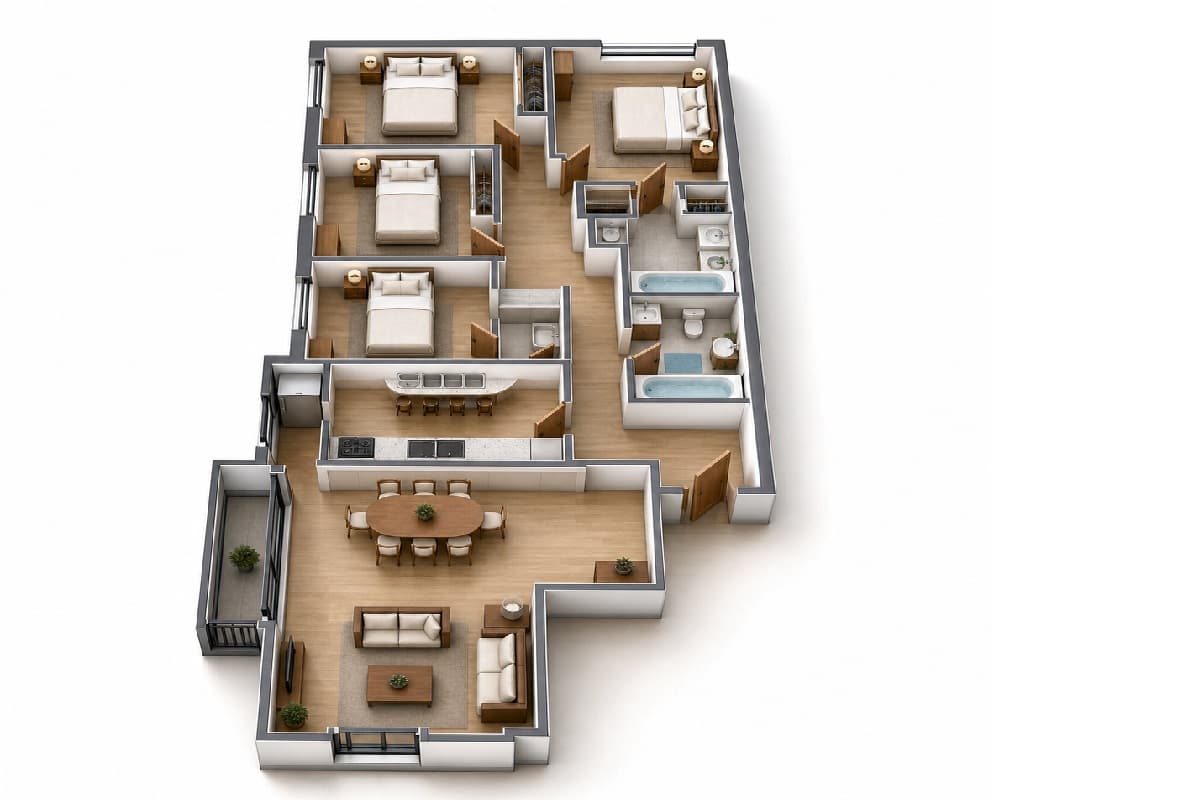 After
After2D plan to 3D
A flat plan is hard for a buyer to read. 2D Plan to 3D keeps the layout of the plan you upload (walls, rooms, doors) and furnishes it so each room reads as a place. Use it for off-plan sales, brochures and portals that show floor plans.
Sketch to render and renders to photographs
Sketch to Render turns a hand sketch or an architectural elevation into a photoreal exterior. Enhance 3D Render turns a rough 3D render into something close to a photograph.
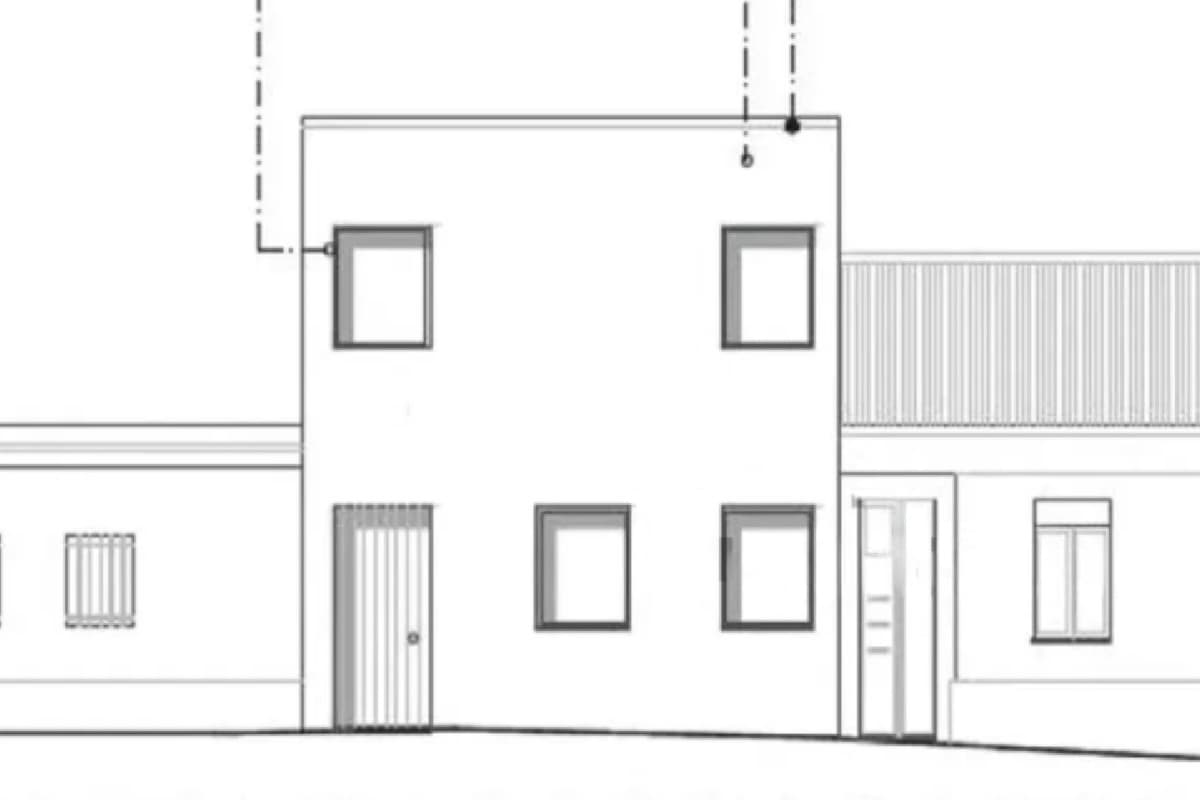 Before
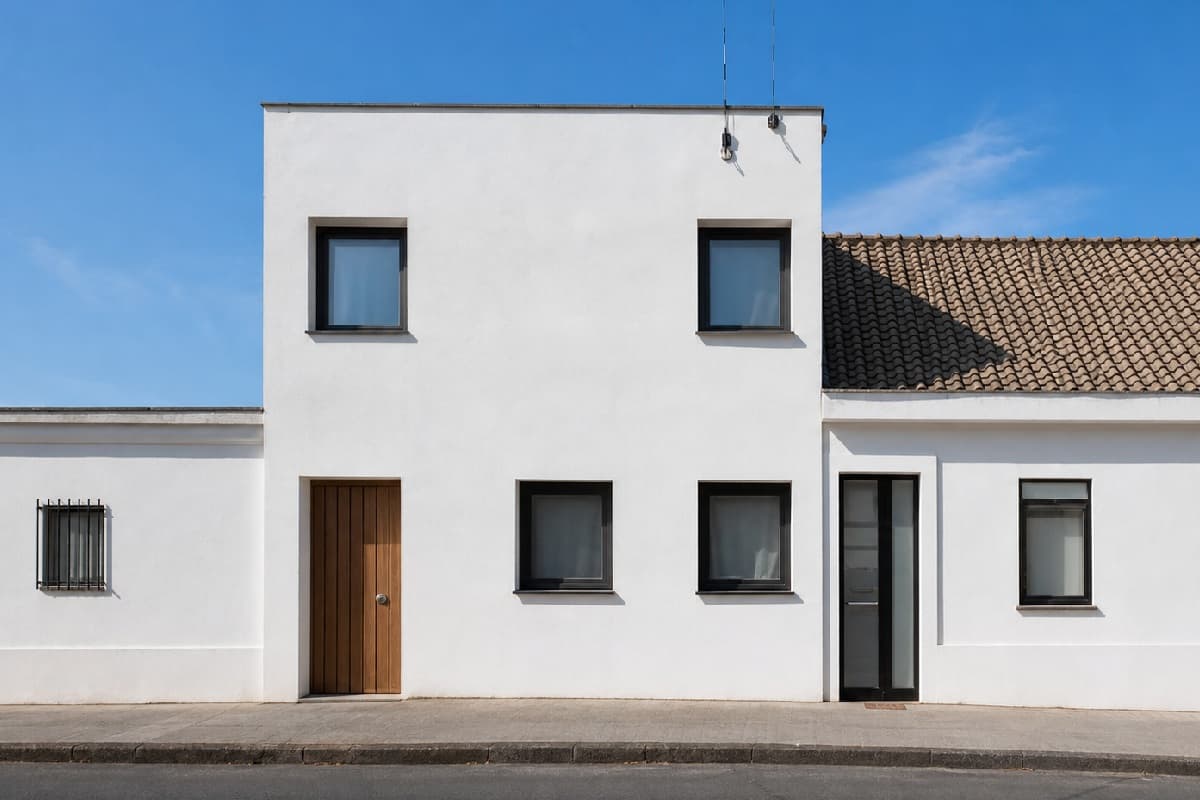 After
AfterLand, plots and new angles
- Google Map to Photo: turns a Maps screenshot into a photo, with your client instructions.
- Add House on Plot: drop a house model onto a photo of the plot (two uploads).
- Change Camera Angle: four new angles of the same house, for 4 credits.
- Cutaway Diagram: a labelled cutaway of the house interior.
Use renders honestly
A render is an illustration. The layout follows your plan, but furniture, finishes and materials are generated, so label the image as illustrative wherever your portal or local rules ask for it, and do not present it as a photograph of a finished home.
Next step
Already have photos of the rooms? Virtual staging furnishes them. Need a printable sheet? Build one in the listing flyer tools.
Frequently asked questions
Which files can I upload?
JPG, PNG or WEBP, up to 25 MB each. RAW files are not supported, so export to JPEG first. Results come back as full-resolution PNG.
What if an edit fails, or I do not like the result?
A failed edit is refunded to your credit balance automatically. AI output is not guaranteed to be perfect on the first run: if you simply want another version, run it again at the tool's normal price.
Are my photos safe? Are they used to train AI?
You keep full ownership of every photo, original and edited. A photo goes only to the AI provider needed to make that one edit. It is never added to a public portfolio and never used to train AI models unless you separately opt in. You can ask for any image to be deleted at any time.
How much does it cost?
One credit is €1 and one photo edit costs one credit. There is no subscription: buy a pack (10, 20, 50, 200 or 500 credits) or top up any amount from €1. VAT is added at checkout. See the pricing page for every tool.
Keep going
Virtual staging
Furnish an empty room from a photo in about 30 seconds, or restyle an occupied one in nine styles. €1 a photo, no subscription.
Flyers and ads
Build listing flyers, carousels and ads from your photos: a free ad builder with 19 designs and print PDF, plus AI-composed flyers and posters.
Photo editing
Replace the sky, fix perspective, relight, declutter and enhance listing photos in about 30 seconds. €1 a photo, no subscription, no editor to learn.